Starting a new business can be an exciting yet daunting journey, especially when it comes to creating an app that can support your brand and help you connect with customers. For many startups, the cost of developing an app seems like a significant barrier. However, affordable app development is not only possible but essential for early-stage companies that need to maximize their budget. In this guide, we’ll explore the steps, strategies, and tips to help you achieve affordable app development without compromising on quality.
How much does app development cost for a startup? Most startups spend $10,000 to $50,000 on a first version (an MVP), $50,000 to $150,000 on a mid-complexity app, and $150,000 or more on a complex multi-platform product. No-code tools can cut the cash outlay to $1,000 to $10,000 if you can invest your own time. The sections below show how to land at the low end of each range.
The Ultimate Guide to Affordable App Development for Startups
In the fast-paced world of startups, launching a mobile app can be a game-changer. However, for many small businesses or fledgling companies, the cost of developing a high-quality app often appears prohibitive. The good news is that affordable app development is not only possible, but it can also be the key to building a successful app that delivers value to users without breaking the bank. This guide will walk you through strategies to achieve affordable app development for startups.
Understanding Affordable App Development
Affordable app development doesn’t mean compromising on quality. It’s about making strategic choices that optimize costs while maintaining a functional and engaging product. As a startup, your resources are likely limited, and every dollar spent on development needs to provide value. Affordable app development is centered on finding the right balance between cost, time, and quality, enabling startups to build apps that meet their objectives within budget.
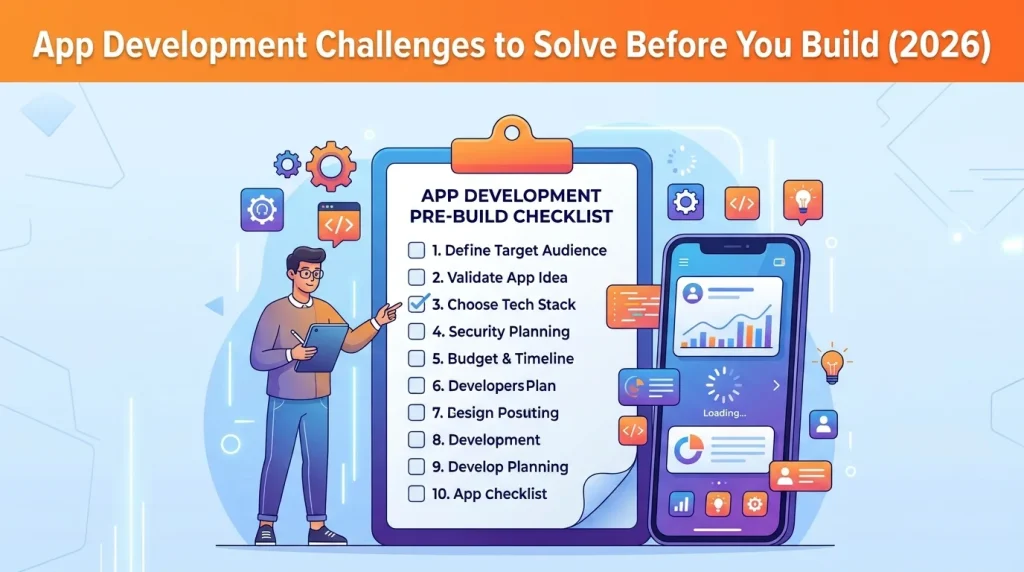
How Startups Build an App, Step by Step
Most startup apps follow the same path. Knowing it up front helps you budget each stage and avoid paying for rework.
- Validate the problem before you build. Talk to 10 to 20 people in your target audience. If you can’t describe the one problem your app solves in a sentence, you aren’t ready to spend money on development.
- Define the MVP scope. List every feature you want, then cut it down to the smallest set that solves the core problem. Everything else goes on a “version two” list.
- Choose your platform and approach. Decide between native, cross-platform or no-code (covered below). For most startups, a cross-platform framework such as Flutter or React Native is the cost-efficient default.
- Design the experience. Start with wireframes and a clickable prototype and test them with real users before any code is written. Changing a prototype costs far less than changing a finished build.
- Build, test and fix. Develop in short cycles, test each release, and fix critical bugs before adding features. Early testing keeps costs predictable.
- Launch small, then iterate. Release to a limited audience, measure what people actually use, and let that data decide what you build next. Our mobile app development process guide walks through each stage in more detail.
A typical budget split across these stages is 10 to 15% for discovery and planning, 15 to 20% for design, 50 to 60% for development and 10 to 15% for testing.
Choose the Right Development Approach

The development approach you choose will greatly affect the cost of building your app. There are several methods available, including native development, hybrid development, and using no-code/low-code platforms.
Native Development
Native development means building a separate app for each platform: Swift or SwiftUI for iOS, and Kotlin or Java for Android. You get the best performance and full access to device features such as the camera, sensors and biometrics. The trade-off is cost, since you’re effectively paying for two builds. Native apps typically run $40,000 to $300,000+, compared with $30,000 to $200,000 for cross-platform. For most startups, native only makes sense when the product depends on heavy graphics, advanced hardware access or a platform-specific experience. Otherwise, start with hybrid or cross-platform and move to native later if you need to.
Your Hybrid and No-Code headings follow the same pattern, so you may want to match them:
- Hybrid Development: One Codebase, Lower Cost
- No-Code and Low-Code: Fastest Way to Test an Idea
Hybrid Development
Hybrid apps allow you to write code once and deploy it across multiple platforms (iOS, Android, etc.). While they may not provide the same performance as native apps, they are a more affordable option for startups since they reduce the amount of code that needs to be written.
No-Code/Low-Code Platforms
These platforms allow you to build apps with minimal coding experience. While they may not offer as much customization, they can be perfect for small-scale projects or proof-of-concept apps, making them a great option for startups with limited budgets.
What It Costs by App Complexity
| App Type | Typical Cost | Typical Timeline* | Best For |
|---|---|---|---|
| No-Code Build (DIY) | $1,000 to $10,000 cash, plus 100 to 400+ hours of your time | Weeks | Testing an unproven idea |
| Progressive Web App | $10,000 to $50,000 | 2 to 4 months | Browser-first products and simple tools |
| Simple App or MVP | $10,000 to $50,000 | 2 to 4 months | Validating a core feature set |
| Mid-Complexity App | $50,000 to $150,000 | 4 to 8 months | Funded startups with a proven concept |
| Complex Multi-Platform Product | $150,000 to $500,000+ | 8 to 12+ months | Scaled products with integrations |
Platform choice moves these numbers. Native iOS or Android typically runs $40,000 to $300,000+, while cross-platform (React Native or Flutter) runs $30,000 to $200,000 and can cut cost by 30 to 40% compared with building two native apps. For a full breakdown, see our guide to how much it costs to create an app in 2026.
Who Builds Your App: In-House, Freelancer or Agency?
This choice affects cost, speed and risk more than almost any technical decision.
| Option | Cost Profile | Strengths | Watch Out For |
|---|---|---|---|
| In-House Team | Highest fixed cost, including salaries, benefits, and tools | Full control and deep product knowledge | Slow to hire and expensive before you have revenue |
| Freelancers | $50 to $150/hr in the US and Western Europe; $25 to $80/hr in Eastern Europe and Latin America | Flexible and low overhead | You manage coordination, and availability can be uneven |
| Development Agency | Higher hourly rate, but design, development, and QA are handled by one team | Established processes, accountability, and faster delivery | Requires careful vetting and a clearly defined scope |
| Hybrid | Freelance designer plus a small agency for the core build | Balanced cost and quality | Requires clear ownership and responsibilities between parties |
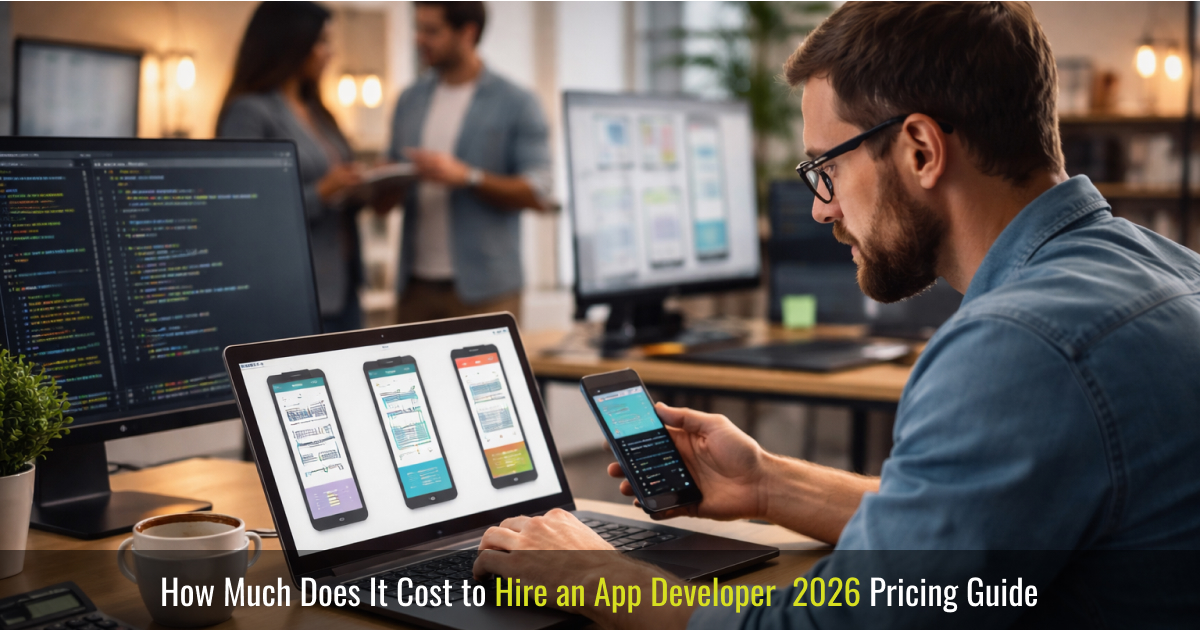
A nearshore or offshore team with strong engineers and a dedicated project manager can deliver at roughly 40 to 60% of the cost of a local US agency, provided you vet carefully and keep communication tight. Whichever route you take, confirm that you own the code and that the contract covers post-launch support. Our guides on how to hire an app development company and what app developers charge go deeper.
Not sure which route fits your budget? Tell us what you’re building and we’ll recommend an approach and a realistic range, no pitch deck.
How to Keep Costs Down at Every Stage
For startups, the road to success can be financially taxing. One of the significant expenditures often comes from the app development process. The ability to create an affordable app means you can invest in other critical areas of your business, such as marketing, customer support, and growth strategies.
Affordable app development also enables startups to quickly test the market, gather user feedback, and iterate on the product before committing more significant investments. By developing an app within a limited budget, you can launch a Minimum Viable Product (MVP), gauge its performance, and adjust accordingly.
1. Focus on the Minimum Viable Product (MVP)

One of the most effective strategies for affordable app development is focusing on creating a Minimum Viable Product (MVP). An MVP is the basic version of your app that includes only the essential features necessary for the app to function. The MVP approach allows you to launch the app quickly, gather user feedback, and test the market before investing in additional features and functionalities.
Many startups also choose hybrid mobile app development services to accelerate MVP launches while reducing the cost of building separate iOS and Android applications.
By focusing on the core elements that serve the primary purpose of the app, you can reduce development time and costs significantly. Once the MVP is launched and you have gathered feedback, you can make data-driven decisions on whether to build out more complex features.
2. Leverage Open-Source Tools and Frameworks
Open-source libraries, frameworks, and tools are invaluable resources for affordable app development. These resources are free to use, and many come with extensive documentation, reducing both development time and cost. Frameworks such as React Native, Flutter, and Ionic allow developers to create cross-platform apps with a single codebase, which means you don’t have to build separate apps for iOS and Android. This significantly reduces development costs and accelerates the timeline.
Furthermore, integrating open-source APIs and software components can save you from reinventing the wheel, making it easier to implement functionalities like authentication, push notifications, payment systems, and analytics.
3. Keep the Design Simple but Functional
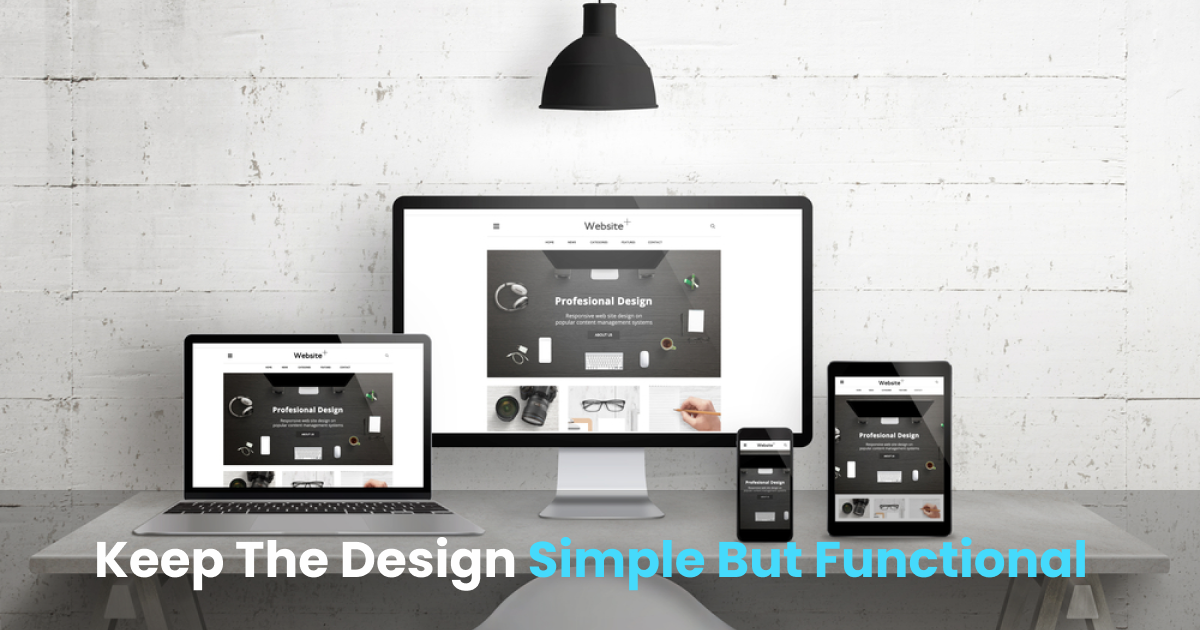
Design plays a critical role in the success of your app, but it doesn’t always have to be complex or extravagant. A clean, simple, and intuitive design is often more effective than one cluttered with unnecessary features or overly sophisticated elements. Focus on providing an excellent user experience (UX) by keeping navigation intuitive and offering seamless functionality.
You can also save costs by using pre-designed templates and UI kits. Many platforms offer free or affordable UI kits, which can help you create an aesthetically pleasing app without needing a full-time designer.
4. Test and Iterate

One of the main reasons for unexpected costs in app development is the lack of testing and iteration. Thorough testing during the development process helps you identify bugs and issues early, which can save money in the long run. Start by testing your MVP and fix any critical issues that arise before moving on to adding new features.
Constantly iterating based on user feedback also ensures that you’re building the app your audience wants. This can prevent you from wasting money developing features that don’t resonate with your users.
5. Use Cloud Hosting Services
Hosting costs can add up quickly, but using cloud services like AWS, Google Cloud, or Microsoft Azure can make your app development more affordable. Cloud services offer flexible pricing plans, allowing you to pay for only the resources you use. This eliminates the need for significant upfront investments in infrastructure and ensures scalability as your app grows.
6. Prioritize Essential Features
It can be tempting to add a wide range of features in the hope of making your app more appealing. However, feature bloat can lead to higher costs and delays. Instead, prioritize the core features that will provide the most value to your users. Features like push notifications, social sharing, and user authentication might be essential, while others, like advanced AI features or integrations with third-party services, can wait until your app gains traction.
7. Monitor Costs Throughout the Development Process

As a startup, it’s essential to keep track of your expenses and ensure that you stay within your budget. Regularly review your development plan and make adjustments where necessary to avoid overspending. Communicate openly with your development team about any budget constraints to ensure there are no surprises along the way.
The Cost After Launch
An affordable build can still become an expensive app if you ignore what happens next. Maintenance typically runs 15 to 20% of the original build cost per year. For a $50,000 app, that means budgeting roughly $7,500 to $10,000 annually for OS updates, security patches, bug fixes, hosting and monitoring.
Plan for it from day one. Choose well-supported frameworks, keep the codebase documented, and ask any developer you hire for a maintenance quote before you sign. For a detailed breakdown, read our guide to how much it costs to maintain an app in 2026.
Common Mistakes Startups Make
- Building too much for version one. Every extra feature adds design, development and testing cost. Launch the core, then expand.
- Skipping validation. Building before talking to users is the fastest way to spend a budget on the wrong product.
- Choosing on price alone. The cheapest quote often leaves out design, testing or support, and you pay for it later in rework.
- Vague scope. Incomplete requirements are the most common source of overruns. Write down what is and isn’t included.
- Forgetting ownership. Make sure your contract gives you the source code and intellectual property.
- Ignoring post-launch costs. Budget for maintenance and updates, not just the build.
- Building two native apps too early. Start cross-platform unless you have a specific reason not to.
Frequently Asked Questions
How much does it cost to build an app for a startup?
Most first versions cost between $10,000 and $50,000. Mid-complexity apps run $50,000 to $150,000, and complex multi-platform products start around $150,000. Scope, platform and team location drive most of the difference.
Can I build an app for under $10,000?
Yes, with trade-offs. No-code platforms such as Bubble, Adalo or Glide can produce a working MVP for roughly $1,000 to $10,000 in cash, but you will spend 100 to 400+ hours of your own time and accept limits on customization and scale.
Should a startup build native or cross-platform?
For most startups, cross-platform (Flutter or React Native) is the better starting point. One codebase serves iOS and Android and can cut development cost by 30 to 40%. Choose native when you need maximum performance or deep device features.
Should I hire a freelancer, an agency or an in-house team?
Freelancers suit small, well-defined tasks. Agencies suit startups that want design, development and testing handled by one accountable team. In-house teams make sense once you have funding and a long product roadmap.
How long does it take to build a startup app?
An MVP typically takes two to four months, a mid-complexity app four to eight months, and a complex product eight months or more. Timelines depend on scope clarity, team size and how quickly decisions get made. (Confirm ranges before publishing.)
How much does it cost to maintain an app after launch?
Budget 15 to 20% of the original build cost per year for updates, security patches, bug fixes and hosting.
Conclusion
Affordable app development for startups is possible with the right approach. By focusing on strategies such as building an MVP, using open-source tools, leveraging cross-platform frameworks, and keeping your design simple, you can develop an app that meets your business goals without breaking the bank. It’s all about making smart, cost-effective choices and prioritizing the needs of your startup as you move forward with your app development trip.
In today’s competitive market, affordable app development can make the difference between launching a successful product or getting lost in the crowd. Keep these tips in mind, and you’ll be on your way to creating an app that delivers value to users while staying within budget.
Building an app on a small business budget doesn’t mean compromising on quality. At Its On Media, we specialize in scalable, cost-effective mobile and web app development tailored to your business goals. Contact our expert team today to get a realistic quote and turn your app idea into a high-ROI asset.